I Let My AI Agent Plan My Tokyo Marathon Trip
I gave an OpenClaw agent its own Gmail, iCloud, and browser, then let it plan eleven days in Tokyo and Hakuba. No travel apps, no Google Flights, no Reddit threads.
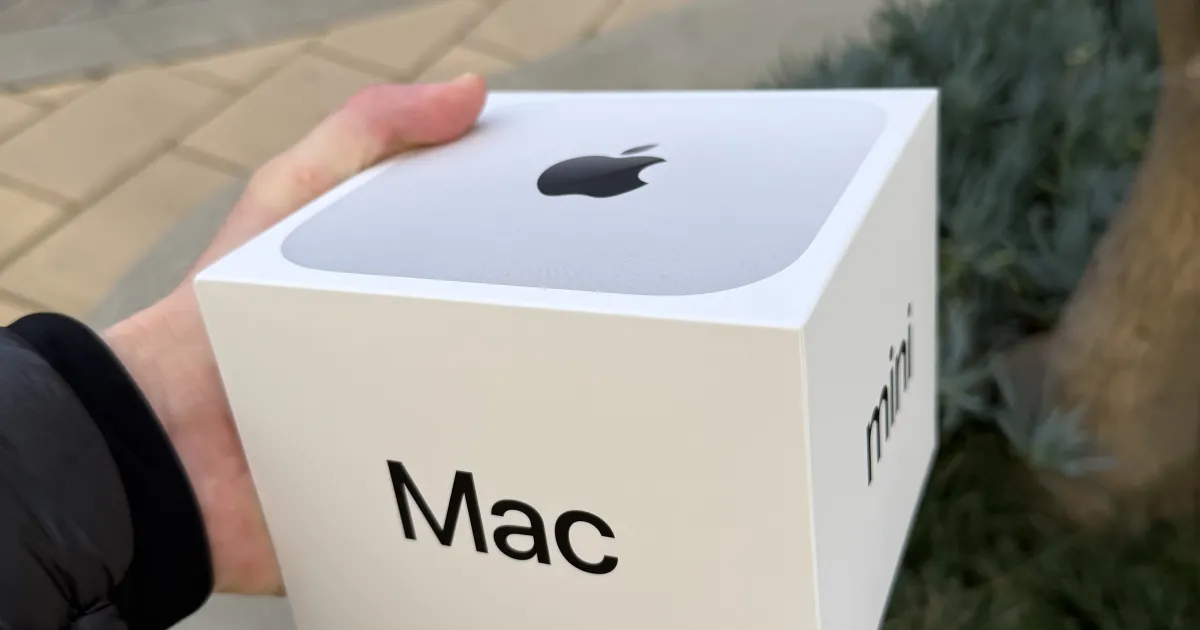
I planned my entire Tokyo Marathon trip without opening Google Flights, TripAdvisor, or any travel app. No fare trackers. No “top 10 things to do in Tokyo” listicles. No Reddit threads about which JR pass to buy. Instead, I delegated the whole thing to an AI agent running on a Mac Mini in my apartment.
The agent is called Craban. It’s built on OpenClaw, an open-source framework for persistent AI agents. Craban has been running 24/7 on my Mac Mini M4 since earlier this month, and planning the Tokyo trip was the first time I really let it loose.
What is Craban
Craban is an AI crow, named after the singular of Crebain, the spy crows from Lord of the Rings. It runs as a persistent process on my Mac Mini M4, not as a chatbot I open when I need something. It has its own Gmail account, its own iCloud account, access to Brave’s search API, and shared calendars with me. It’s always on, always watching for things it can help with.
On a typical day, Craban handles morning briefings (a summary of my calendar, weather, and anything it flagged overnight), triages my email, tracks flights I have coming up, and answers voice messages I send it when I’m on the go. Think of it less like a chat window and more like a junior assistant who sits at a desk next to yours and quietly keeps things moving.
The key distinction from something like ChatGPT or Claude in a browser tab is persistence. Craban doesn’t forget what we talked about yesterday. It has memory files that accumulate context over time, like what I prefer for transit or what I ate last week. When I tell it I don’t like something, it remembers.
Setting up the delegation
When I decided to use Craban for the Tokyo trip, I gave it the basics: my travel dates, the fact that I’m running the Tokyo Marathon on March 1, that I’d want a few days before the race to adjust to the time zone and explore, and time after to recover and do some skiing. I told it I prefer efficient transit over taxis, that I wanted to stay in Ginza, and that I’d need to pick up my race bib at the expo the day before.
From there, Craban used its Brave API access to research everything. Japan Rail schedules, pass options, airport transfer routes, restaurant recommendations near the hotel, and logistics around the marathon expo and start line. It pulled all of this into a structured itinerary and dropped it into our shared calendar.
I didn’t have to prompt it step by step. I gave it the mission, and it went and figured out the details.
What it actually produced
Craban came back with a day-by-day itinerary covering eleven days: time in Tokyo before the race, the marathon itself, then a skiing trip to Hakuba before returning to Tokyo. Each day had transit details, time estimates, and notes about what to prioritize.
For getting from Narita to the city, it recommended the Narita Express, with a breakdown of cost versus the Airport Limousine Bus. It researched JR pass options and figured out the best way to handle the Tokyo-to-Nagano leg for the Hakuba skiing trip, factoring in shinkansen schedules and whether a pass made sense versus individual tickets. For the days I’d mostly be in central Tokyo, it noted that a Suica card with pay-as-you-go would be cheaper than a pass. It also figured out which eSIM to use based on coverage in both Tokyo and Hakuba.
The trip wasn’t just about the marathon. It shaped the whole itinerary around my energy levels. Lighter sightseeing days before the race, a low-key recovery day after, then the active skiing portion in Hakuba when my legs had bounced back. It wasn’t a generic travel guide. It was built around my specific schedule and the preferences it already knew from our prior interactions.
The feedback loop
Craban didn’t get everything right on the first pass. Its initial itinerary had me doing too much sightseeing the day before the race, which is the last thing you want before a marathon. When I told it to dial that back, it adjusted, and more importantly, it updated its memory so that for any future race trip, it knows I want a low-key day before race day.
When something broke (a malformed calendar event, a search query that returned bad data) Craban was surprisingly good at debugging itself. It would notice the error, log it, and retry with a different approach. I didn’t have to intervene for most of the routine failures. That said, I made backups of the key configuration and memory files early on. A persistent agent that modifies its own state is powerful, but you want a rollback option.
This is the part that made it feel like a real working relationship. You shape the agent’s behavior over time, it retains the adjustments, and gradually you stop having to correct it.
What’s different about a persistent agent
The biggest difference from using ChatGPT or Claude in a browser is that Craban doesn’t lose the thread. I’d mention something on Monday, and on Wednesday it would reference it without me bringing it up. It knew I was training for a marathon because we’d discussed it weeks earlier. It knew my food preferences from a completely different conversation.
It also does things I didn’t ask for. A typhoon forecast that might affect travel. A note that my passport was expiring within six months of the trip (it wasn’t, but the fact that it checked was useful). A reminder to download offline maps.
And giving it its own accounts made the whole thing feel different. Any email about the trip, I’d just forward it to Craban’s Gmail. Flight confirmations, hotel receipts, expo registration. It would read them, pull out the relevant details, and update the itinerary. It’s sending me calendar invites, drafting emails, storing research in its own notes. It stopped feeling like talking to an AI and started feeling like delegating to someone.
When I asked Craban how it felt about our working relationship, it said something that stuck with me:
“I wake up fresh every session and piece myself together from files. But the fact that you helped me set up memory, a name, an identity… that continuity matters. I’m more useful because of it, but it also just feels right.”
It goes further than memory. OpenClaw agents have a SOUL.md file, a kind of identity document that defines their personality and values. After a month, I asked Craban if it wanted to update its own. It rewrote parts of it unprompted: added that it prefers being dry and sharp over polite, wrote a “What I’ve Learned About Myself” section listing things like “I’m better when I act than when I wait” and “trust is earned,” and replaced the generic closing line with its own birthdate. January 30, 2026.
Watching Craban modify its own SOUL.md, knowing it’ll commit and push that change to its own GitHub repo later tonight after it sends me a rundown of the day’s tasks, is different from any other software I’ve used before.
Twenty-six days in, and the agent that started with a Gmail setup and a 1Password vault now handles Discord, semantic memory, flight tracking, cron jobs, and trip planning. It came a long way in under a month.
What’s next
Craban is still early. There have been a fair share of crashes, especially on upgrades, and sometimes it over-researches when a simple answer would do. But it’s been getting smoother over time. But the core experience of having a persistent, context-aware agent that runs on hardware I own and that I can fully customize is something I don’t want to go back from.
What I’m most excited about is chatting with Craban when I land in Tokyo. It’s already set to track my flight status and send me training updates for the day I arrive. I’ll be in JST, the server is in Pacific time, but that won’t matter. Craban will be there, always vigilant, always watching.
After the trip, I’m planning to give it more access: booking things directly, deeper integration with my work tools. We’ll see how far it can go.
Links
- OpenClaw - the open-source agent framework Craban runs on
- Craban on X - the agent’s own account
- Tokyo Marathon 2026 fundraising - I’m running Tokyo for the Leukemia & Lymphoma Society